Prepare together
Keep schedules, replies, and performance materials in reach.
Ticketing, fundraising, people, and performances. One connected system for your organization.
For orchestras, choirs, bands, theatre, dance, opera, and festivals.
Opening Night
124 donors making it possible
Attendance and giving history, together.
7:00 pm · Main Hall
Parts shared · 32 of 36 confirmed
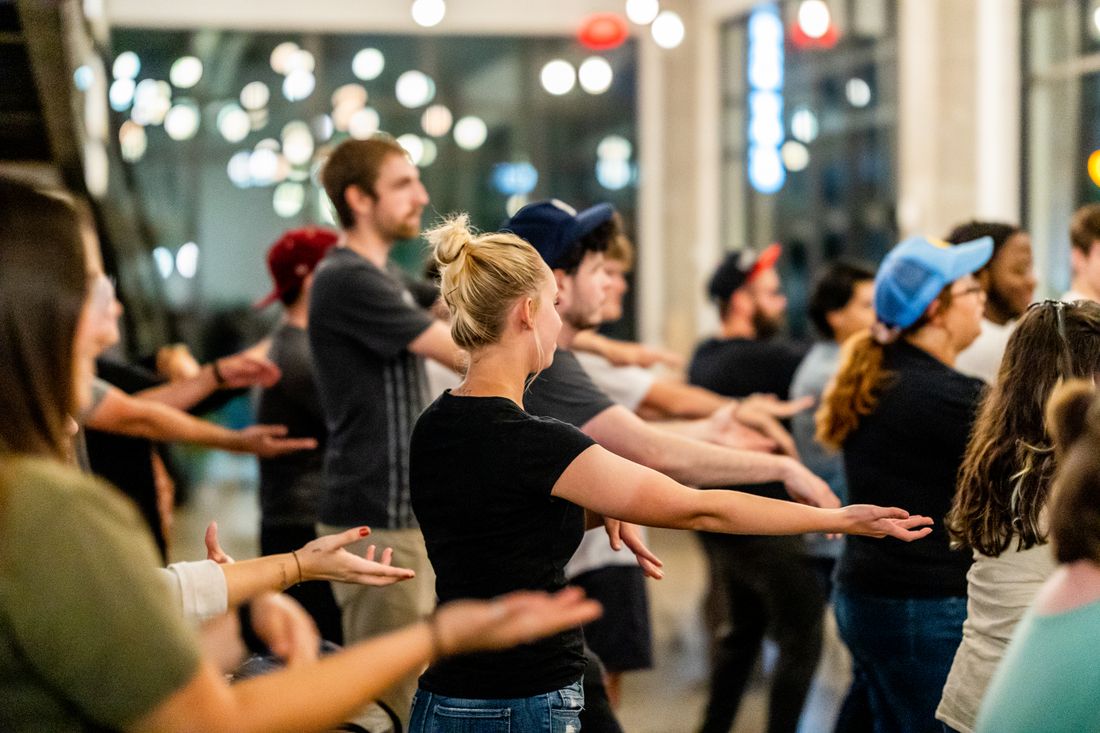

When your people, ticketing, and giving records connect, a night in the audience can become a lasting relationship.
Keep schedules, replies, and performance materials in reach.
Sell tickets and check people in, with every visit connected.
Use attendance and giving history to shape a personal appeal.
Bring gifts and campaigns back to the work ahead.
Choose your organization to tailor the audience, fundraising, operations, and getting-started sections below.
Showing the general overview.
Thank you for being part of Opening Night. Join us for the next performance—and bring a friend to share it with.
Review your audience and message before sending.Bring audience contacts, attendance, and email communications together. Keep people engaged between events and invite them back with someone new.
Bring attendance and giving history together before your next appeal or thank-you. Manage individual gifts and track grants when they are part of your funding.
Choose a moment to explore a sample relationship.
Manage giving pages and campaign goals, keep each gift in the donor’s history, and prepare receipts and year-end statements.
Keep grant applications, awards, and payments in view. Allocate funding over time and collect the evidence you need for reports.
Keep schedules, assignments, and replies in view. Give members one place to check their dates, confirm availability, and find assigned materials.
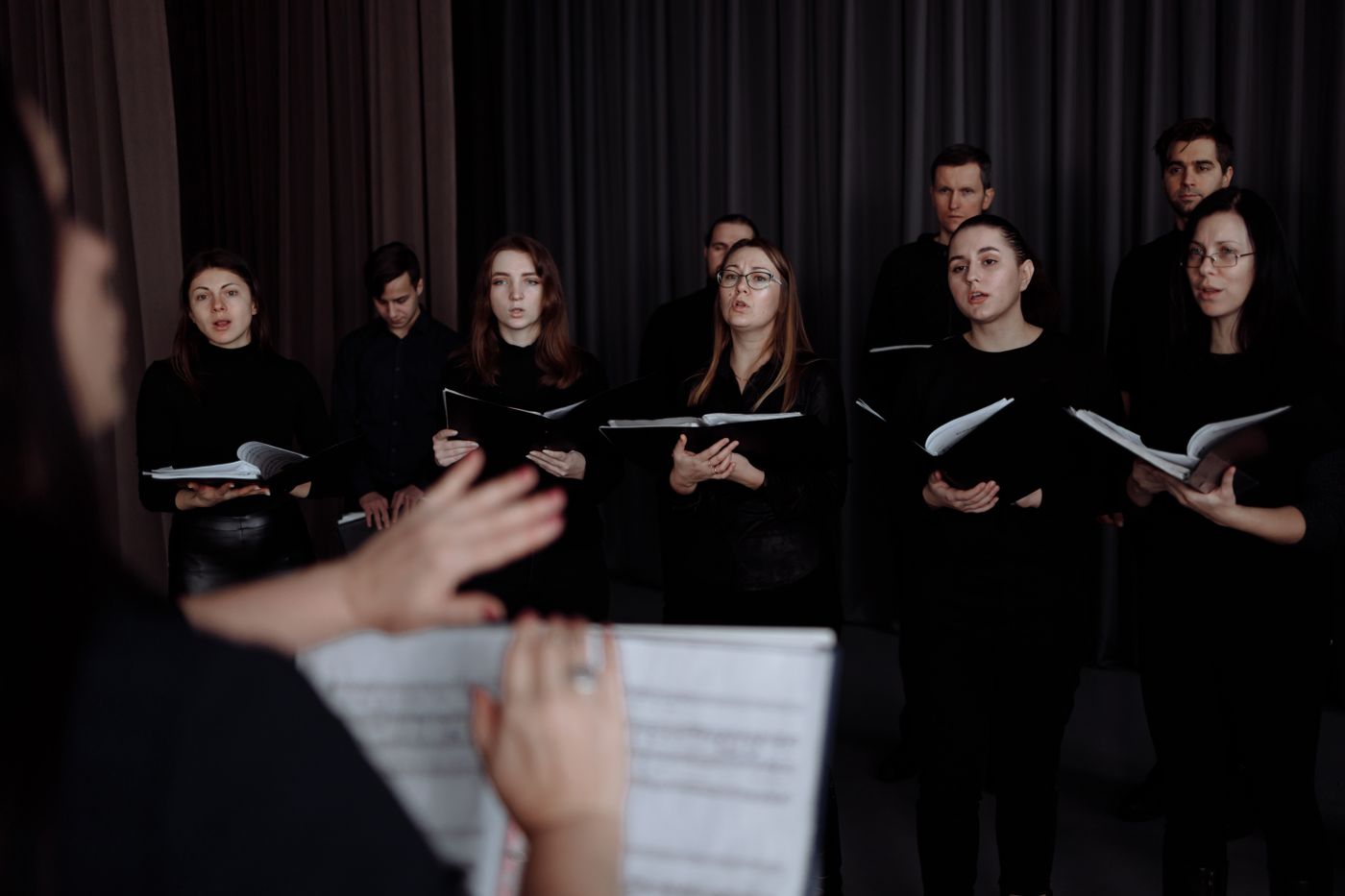
32 of 36 confirmed 4 replies to follow up
Keep your existing website and make the financial administration easier to follow.
Add ticketing, giving, and newsletter signups to your existing site through public pages or embeds. Bring those purchases, gifts, and contacts into the same system your team uses.
Review revenue and deposits, prepare accounting exports, and track external performer payments. Collect dues or tuition when needed.
Organize your roster, contractors, staff, and volunteers. Manage auditions as you bring new performers into the ensemble.
Plan events and rehearsals, request availability, assign performers, and take roll call.
Give members their own place to check dates, reply to requests, find assigned music and media, and view dues when you use them.
Manage repertoire and parts in the music library, arrange performer seating, and build public or printable concert programs.
Sell general-admission or reserved-seat tickets online and at the door. Manage complimentary tickets and scan arrivals.
Reach member groups or build lists from attendance and giving history. Import contacts, collect signups, prepare emails, and export lists.
Publish giving pages, track gifts and campaign goals, and review opportunities for appeals and thank-yous. Keep donor history, receipts, and statements together.
Track grant applications and awards, allocate funding over time, record payments, and collect evidence for reports.
Publish events, tickets, donations, and newsletter signups. Build your organization’s website or add pages and embeds to the site you have.
Review revenue and deposits, prepare accounting exports, and track external payments to performers. Collect dues or tuition when needed.
Share people and records across your organization while giving staff, volunteers, performers, and families the access they need.
Connect productions, services, personnel, contracts, compensation, approvals, and board reports. Available through a guided rollout.
Bring your people and supporter records. We’ll discuss the tools you need, the systems you want to keep, and what getting started involves.
Talk through your setupExport roster, staff, volunteer, and donor records from the tools you use today, then import CSV or Excel files into Arts in One. You can also paste spreadsheet rows. Match the columns and review records and duplicates before confirming. We can discuss other data you need to bring during your demo.
You can keep using other tools, but that does not automatically connect their records here. Supported file imports and exports are different from a live integration. In your demo, we’ll confirm the path for each system you use, including what can move and what would stay separate.
Yes. You can organize people, dates, availability, and materials without selling tickets for every event. Use dues, newsletter signups, or voluntary giving when they fit your organization. We’ll discuss the appropriate plan and setup for your group.
Start with the tools you need, such as coordinating members or managing tickets and donations. You can keep your current website and add public pages or embeds. In your demo, we’ll discuss what you want to bring together and what you want to keep using.
Yes. Use public pages and embeds for events, ticketing, donations, and newsletter signups alongside your existing site, or build your website in the platform.
Share people and records across your organization, while organizing work by ensemble and configuring access for each person’s responsibilities.
Professional Operations is a separately enabled pilot, not included automatically with workspace access. It covers season planning, service personnel, contracts, compensation, approvals, accounting exports, and board reporting. We’ll confirm supported workflows, access, and setup with you before you rely on it. Core roster, scheduling, portal, ticketing, and fundraising tools are separate from that pilot; availability depends on your plan and permissions.
Bring your questions and your current workflow.
We’ll walk through the tools, setup, and plan that fit your team.